
Can you download all of Wikipedia? Offline Wikipedia size: about 127 GB
Yes. All of English Wikipedia, about 7 million articles with images, is about 127 GB as a single compressed file.
It is the whole encyclopedia as it stood on the day the file was made, fully searchable, with the pictures. It does not update itself: to get newer articles, you replace the file.
Text-only editions are much smaller, and there are cut-down editions with only the most-read articles. They fit on a phone. The full edition with images is the one worth keeping on a drive.
How offline Wikipedia works
Offline Wikipedia is published as a ZIM file: an open format that packs a whole website into one compressed, searchable file. The free, open-source Kiwix reader opens ZIM files on Windows, Mac, Linux, Android and iPhone, and can serve them to other devices over a local network.
The same format carries far more than Wikipedia: Wikibooks, Wikivoyage, Stack Exchange question-and-answer sites, iFixit repair guides and medical references. That is why most offline libraries, including SURVIVODRIVE, are built on it.
How to download Wikipedia for offline use, with images
- Get a big enough drive. Plan on 256 GB. The file alone is about 127 GB, so a 128 GB drive leaves almost no room for anything else.
- Format it as exFAT or NTFS. FAT32, the default on many USB sticks, cannot hold a file over 4 GB.
- Download the ZIM file from the Kiwix library. The complete English edition with images is the one named
wikipedia_en_all_maxi. At 100 Mbit/s, 127 GB takes about three hours. - Install the Kiwix reader on each computer you might use, or keep the portable version on the drive, and open the file.
- Test it with the Wi-Fi off. Then put it away, and replace the file every year or two.
Flash drives slowly lose data when left unpowered for years, faster in the heat. Plug it in now and then, and rewrite it every couple of years. Why flash memory forgets.
Offline Wikipedia on Android and iPhone
The Kiwix app runs on Android and iPhone, but the full edition with images is larger than the free space on many phones. A smaller edition fits on the phone; the full one belongs on a drive.
SURVIVODRIVE does both: run it on a laptop and every phone on the same Wi-Fi can read the full edition in its browser, with nothing installed. On Android, the drive can also install Kiwix directly.
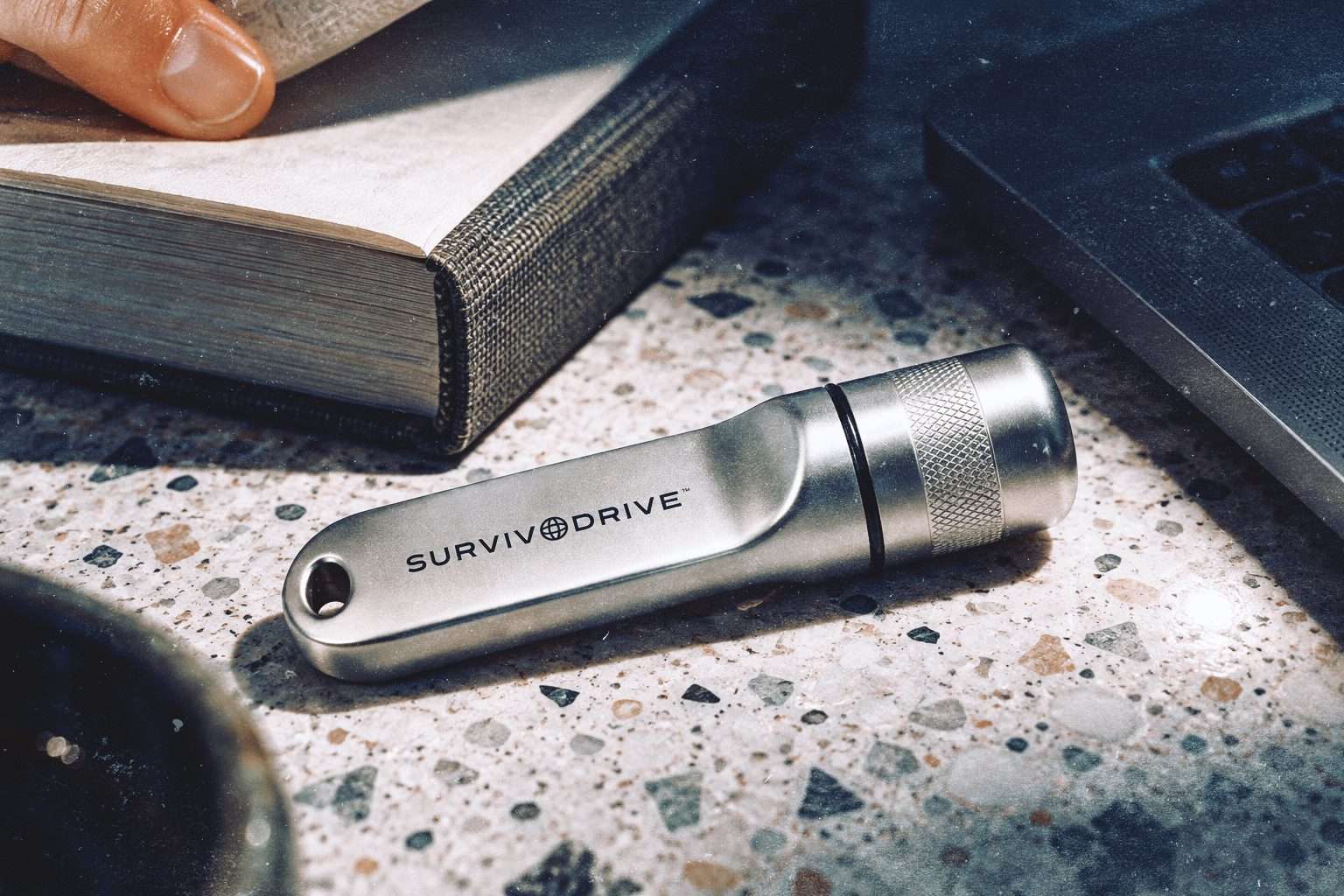
An offline Wikipedia device, ready-made
SURVIVODRIVE ships with all of English Wikipedia already on it, alongside the books Wikipedia cannot replace.
- Wikipedia with images, plus Simple English Wikipedia, Wikibooks, Wikiversity and Wikivoyage.
- 154 titles and collections in all, including field manuals for first aid, water, food, power, radio, repair and survival.
- One search box across everything on the drive.
- An assistant, a small language model on your own computer, that answers from these books and shows the page. How it works.
- Every file checked against a SHA-256 checksum before it leaves us.
Questions
D-01Can you download all of Wikipedia, and how big is it?
Yes. All of English Wikipedia, about 7 million articles with images, comes to about 127 GB as a single compressed ZIM file that the free Kiwix reader opens offline. At 100 Mbit/s that takes about three hours to download. Plan on a 256 GB drive formatted as exFAT or NTFS: a 128 GB drive leaves almost no room for anything else, and FAT32 cannot hold files over 4 GB. SURVIVODRIVE ships with it already on the drive and searchable.
D-02Does SURVIVODRIVE have all of Wikipedia offline?
Yes. SURVIVODRIVE carries all of English Wikipedia, around 7 million articles with images, taking about 127 GB of the drive. It is fully searchable offline through Survivipedia, and the assistant can draw on it. Simple English Wikipedia, Wikibooks, Wikiversity and Wikivoyage are included too.
D-03Can I search everything on SURVIVODRIVE at once?
Yes. The search box in Survivipedia searches every collection on SURVIVODRIVE at once and can be filtered by topic. Collections that ship without a search index get one built when the drive is made, and every PDF manual is split into searchable page ranges. A few collections, such as the Project Gutenberg books and the map, are browse-only.
D-04Can I use SURVIVODRIVE on my phone or tablet?
Yes, alongside a computer. When SURVIVODRIVE is running on one computer, phones, tablets, laptops, smart TVs and e-readers on the same Wi-Fi can open it in their web browser, including the assistant, unless the drive was started with --private. Scan the QR code on the Share page or type the address shown in the launcher window. No app is needed for this. Without a computer, an Android phone or tablet can read the library with the Kiwix app from the drive’s ANDROID folder, and an iPhone or iPad can open the plain PDFs in the EMERGENCY folder.
D-05Does SURVIVODRIVE work on Android without a computer?
Yes. SURVIVODRIVE’s ANDROID folder holds two apps you can install from the drive: Kiwix, which opens every library on the drive, and PocketPal AI, which runs the assistant’s model files on the phone. PocketPal is a separate app, made by others. On Android the assistant does not search the library itself or number its sources, so look things up in Kiwix and ask PocketPal to explain.