Can AI work without the internet?
Yes, if the model runs on your own computer.
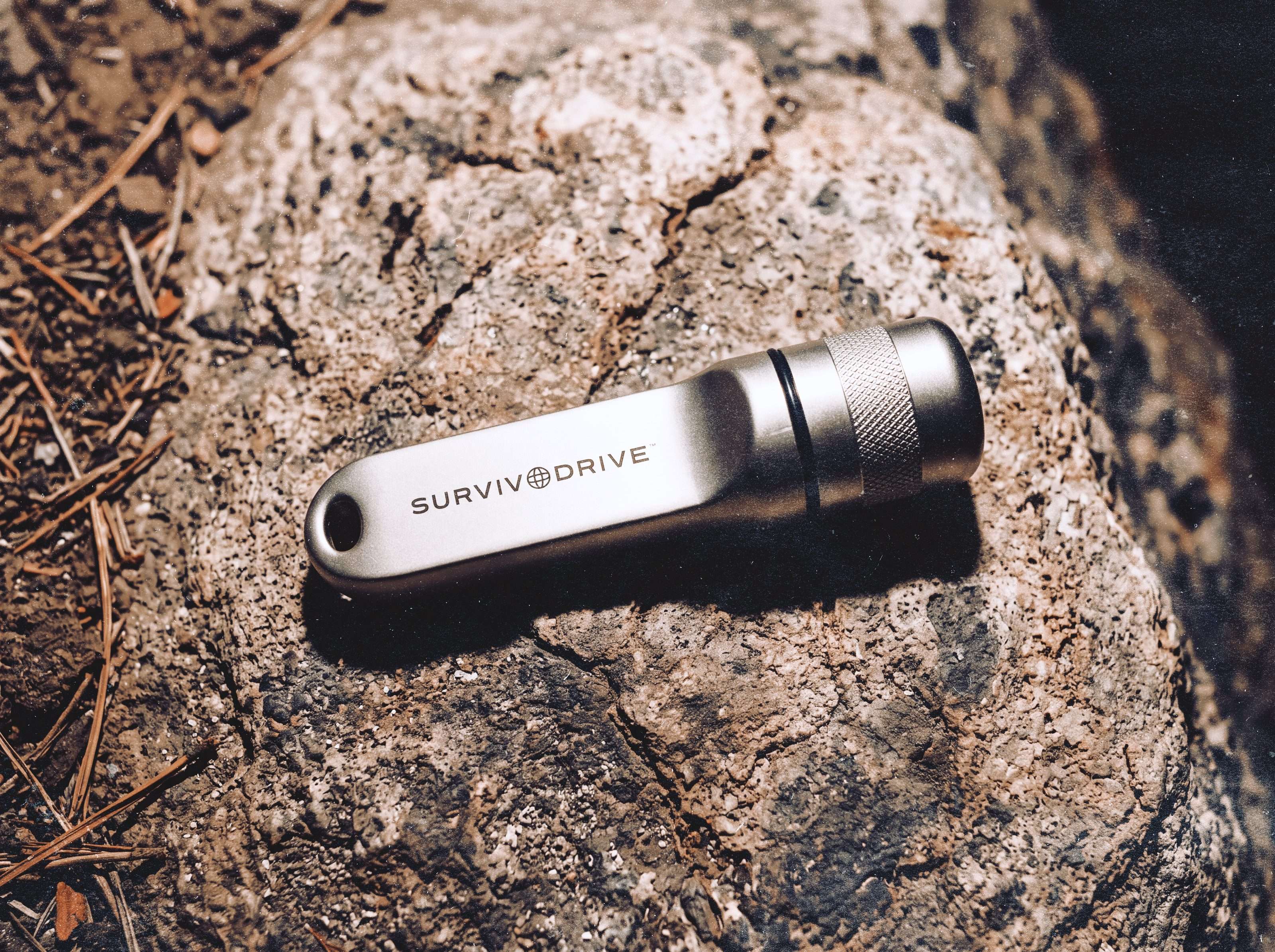
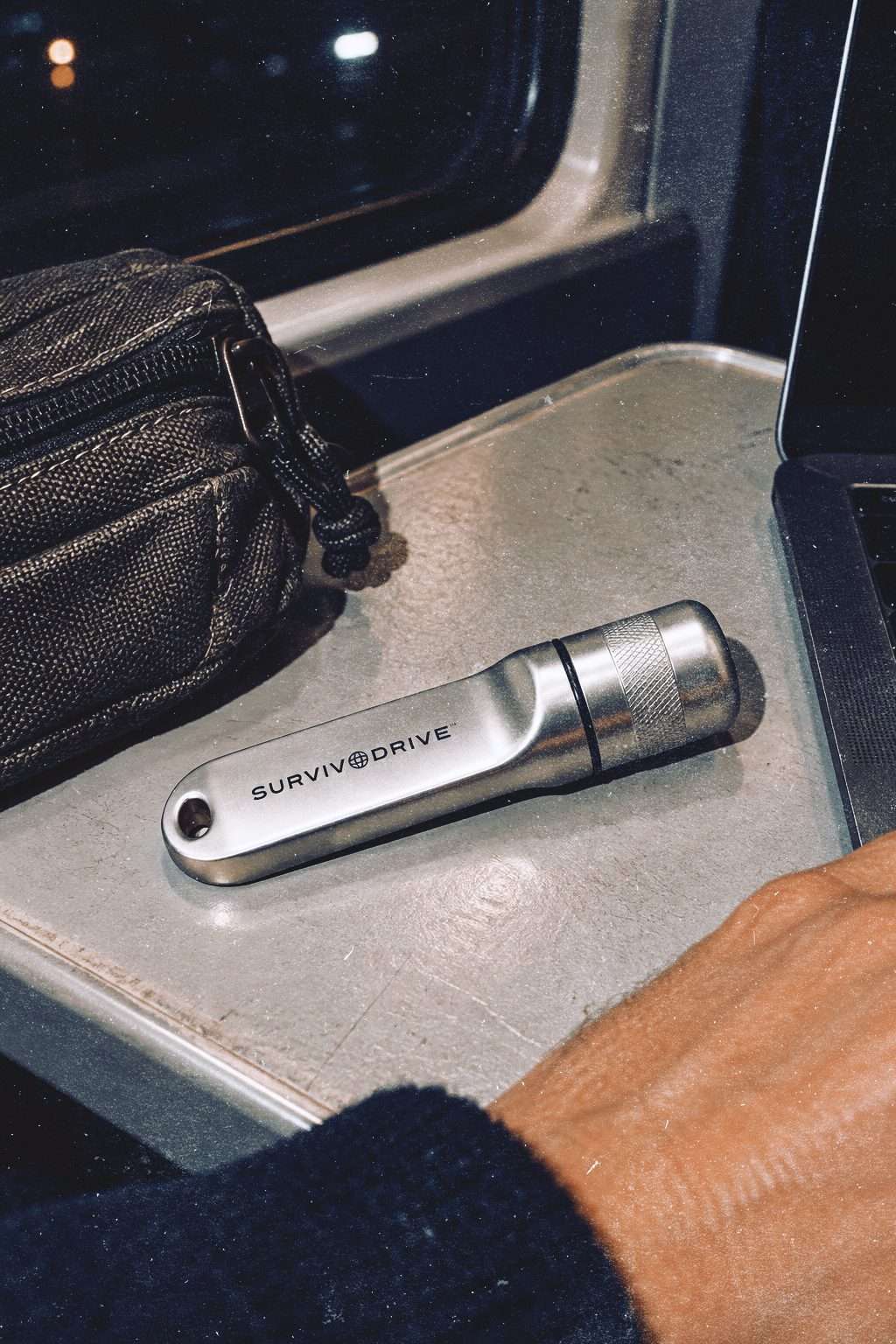
Online chat services run on someone else’s servers, so they stop when the connection does. Open models can be downloaded once and run on an ordinary laptop with no connection at all. A language model is a large file of numbers and a program that runs it. SURVIVODRIVE carries both: a small local LLM assistant.
The catch: a model small enough to run on a laptop knows far less than a large online one, and it is more likely to make things up. Left to itself, it is not something to trust with a burn or a dose.
What a local language model needs
Memory, more than anything. SURVIVODRIVE picks a model to suit the computer it is plugged into, or you choose one, or none.
| Setting | Memory | Typical laptop | Apple silicon |
|---|---|---|---|
| Fast | 4 GB | 15–30 s | under 10 s |
| Smart (default) | 6 GB | 30–60 s | about 10 s |
| Best | 16 GB | 1–2 min | 15–20 s |
| Expert | 32 GB | 30–60 s | 15 s |
Answer times are estimates.
It needs a 64-bit computer with at least 4 GB of memory. On older or 32-bit machines the assistant stays off, but the library, search and emergency guides still work.
How SURVIVODRIVE keeps a small model honest
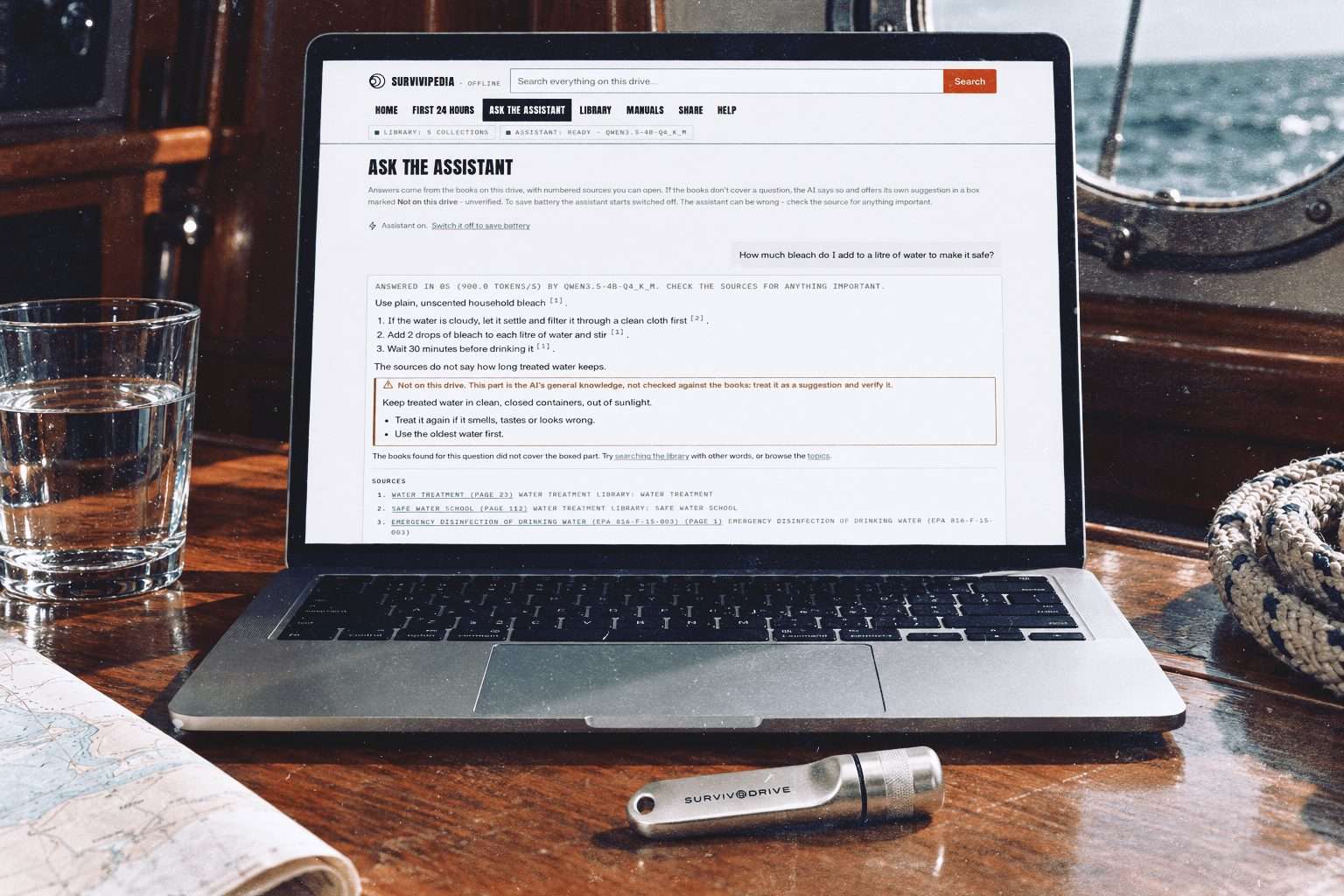
It does not answer from memory. It reads the books on the drive first, then answers from what it read.
- It searches the whole drive and reads the best passages before answering.
- It numbers its sources. Each one opens the original page.
- It says “Not on this drive.” when the books do not cover the question.
- Anything from general knowledge sits in a box marked unverified.
- Numbers that are not in the sources are underlined, and citations to sources that do not exist are flagged.
In every stored run of the project’s practical test questions, from water treatment to medicine doses, no model put a number into a sourced answer that its sources lacked.
The test questions have known answers: boiling times, bleach drops, children’s and adults’ doses, and questions the drive cannot answer.
Advisory
It is a small language model. It can misread and sound sure while wrong. For medicine, electricity, gas, chemicals and structures, open the cited source and follow the book. In an emergency, use the quick cards first and get trained help if there is any way to reach it.
What it reads, and what it keeps
The library on the drive, and nothing else. It makes no internet connections.
- Where it runs. On the computer the drive is plugged into, through llama.cpp (llamafile on Linux). Everything it needs is on the drive. No cloud, no account, no sign-in, no subscription.
- What it reads. Passages from the library on the drive. It has no tools, so it cannot open, read or change your files, email, accounts or anything else on the computer.
- What it connects to. Nothing on the internet. It works with the internet unplugged. The drive’s interface has no analytics and no trackers.
- Who can use it. By default, this computer and the phones and laptops on the same Wi-Fi. That is how a household shares one drive. Start it with
--private(Windows:-Private) and only this computer can connect. - What it keeps. Your last 12 questions and answers, in the browser you asked from, so you can scroll back. New conversation clears them.
- What it leaves on the computer. One working folder in your user cache:
~/Library/Caches/SurviveDriveon a Mac,~/.cache/survive-driveon Linux,%LOCALAPPDATA%\SurviveDriveon Windows. It holds temporary files, the server logs and, where a computer needs them, copies of the programs. Delete it and it is gone. - How to switch it off. It starts switched off, every time. Start the drive with
--no-ai(Windows:-NoAI) and the model is never loaded. The library, search and emergency guides work without it.
The assistant on a laptop battery
Running a model uses power. So SURVIVODRIVE starts with the assistant switched off, every time: questions bring up the matching library pages instead. Switch the assistant on when the power supply is safe, and off again to save the battery. Start the drive with --no-ai (Windows: -NoAI) and the model is never loaded at all.
What the assistant cannot do
- Know anything that happened after the drive was written. No news, no weather, no messages.
- Replace a doctor, an electrician or a gas engineer.
- Answer from books it does not have. That is what “Not on this drive.” is for.
- Read anything outside the library on the drive. It has no tools: no access to your files, email or accounts.
- Connect to the internet. It makes no connections and works with the cable out.
You can build something similar yourself with an open model runner and a set of ZIM files. You will still need the books for it to read, and a way to make it show its sources. That is most of the work, and it is already done on SURVIVODRIVE.
Questions
D-01Can AI work without the internet?
Yes, if the model runs on your own computer. Online chat services stop when the connection does, but open language models can run locally on an ordinary laptop with 4 GB of memory or more. Small local models know less and make more mistakes, so SURVIVODRIVE’s assistant answers only from the books on the drive, numbers its sources and says “Not on this drive.” when they don’t cover a question.
D-02How does the SURVIVODRIVE assistant work?
The SURVIVODRIVE assistant answers from the library, not from memory. For each question it searches the whole drive, reads the best passages from the top pages, and passes them to a small local LLM, a language model running on your computer, with instructions to answer only from those numbered sources. Answers stream in with citations like [1] that open the original page or the right page of a PDF.
D-03Which language models does SURVIVODRIVE use?
SURVIVODRIVE runs a small local LLM, an openly licensed language model, in four sizes and picks one to suit the computer’s memory: Fast for 4 to 6 GB, Smart (the default) for 6 GB or more, Best for 16 GB and Expert for 32 GB. All are compressed to run on an ordinary computer through llama.cpp, so nothing is sent to an online service.
D-04What computer does the SURVIVODRIVE assistant need?
The SURVIVODRIVE assistant needs a 64-bit computer with at least 4 GB of memory. With 6 GB or more it uses the default Smart setting, which makes far fewer mistakes than the smallest Fast one. On older or 32-bit machines the assistant stays off, but the full library, search and emergency guides still work.
D-05How accurate is the SURVIVODRIVE assistant?
The SURVIVODRIVE assistant is a small model and can make mistakes, so every answer shows its sources. Numbers that don’t appear in the sources are underlined, and citations to sources that don’t exist are flagged.
D-06Does the SURVIVODRIVE assistant send my questions anywhere?
No. The assistant is a small language model that runs on the computer the drive is plugged into. It makes no internet connections, works with the internet unplugged and needs no account, and the drive’s interface has no analytics or trackers. Your last 12 questions stay in the browser you asked from, so you can scroll back, until you press New conversation. By default, phones on the same Wi-Fi can use the assistant through that computer; start the drive with --private (Windows: -Private) and only that computer can connect.
D-07What can the SURVIVODRIVE assistant see on my computer?
Only the library on the drive. The assistant has no tools: it cannot open, read or change your files, email, accounts or anything else on the computer. For each question, Survivipedia searches the library and hands the best passages to the language model, and “Show the passages the assistant read” shows you exactly what it was given. It makes no internet connections and works with the internet unplugged.
D-08Can I use SURVIVODRIVE without the AI assistant?
Yes. The library, search, map, twelve emergency cards and EMERGENCY PDFs all work without it. The assistant starts switched off every time: questions bring up the matching library pages until you press Start the assistant. To stop the language model loading at all, start the drive with --no-ai (Windows: -NoAI), or choose 0 when the launcher offers a choice of model. On 32-bit computers it stays off and everything else still works.