Specifications: SURVIVODRIVE specifications: a 256 GB USB 3.2 capsule drive
Specification sheet
03.1 The drive
| Capacity | 256 GB |
|---|---|
| Standard | USB 3.2 |
| Form | Capsule, etched with the SURVIVODRIVE name |
| Runs on | Windows 10/11, macOS, Linux, Raspberry Pi 4/5, Android |
| Needs | No internet, no account, nothing installed |
| Integrity check | Every file verified against a SHA-256 checksum |
Full drive specifications are published here before pre-orders open.
03.2 The contents
| Library | 154 titles and collections, about 218 GB |
|---|---|
| Encyclopedia | All of English Wikipedia with images |
| Map | Offline OpenStreetMap of the UK |
| Assistant | Small local LLM in four sizes, picked by the computer’s memory (4, 6, 16 or 32 GB); runs on llama.cpp |
| Assistant reads | The library on the drive only. No tools, no internet connections |
| Assistant off | Starts switched off; --no-ai (Windows -NoAI) never loads it |
| Minimum for the assistant | 4 GB of memory (6 GB for the default model) |
| Shares to | Any browser on the same Wi-Fi or hotspot, by default; --private (Windows -Private) for this computer only |
| Leaves on the computer | One working folder in the user cache; delete it to remove it |
Caution
Flash memory fades when it sits unpowered, faster in heat. Store the drive somewhere cool and dry, and reflash it when the two-year reminder arrives.
Revision history
- AFirst issue
What you’ll need
Every device, in detail| A computer | Windows, Mac or Linux, or a Raspberry Pi 4 or 5 |
|---|---|
| For the assistant | 64-bit, 4 GB of memory. 6 GB for the default model |
| Check your computer | Windows: Settings › System › About shows Installed RAM and System type. Mac: Apple menu › About This Mac shows Memory |
| Power | A charged laptop is enough: about 10–20 W while reading, 30–60 W for a minute or two while the assistant writes. Phones read it over its Wi-Fi |
| iPhone and iPad | Through a computer’s Wi-Fi share, or the plain PDFs in Files |
| Internet | None to run it. Only the two-yearly reflash is done online |
§ 03.3
What it does, and what it doesn’t
Does
- Works with no internet, no signal and no account.
- Runs in a power cut, on a laptop’s battery.
- Serves the whole household’s phones over Wi-Fi.
- Answers from its own books, with numbered sources.
- Keeps the emergency guides as plain PDFs that open on a phone.
- Lets you switch the assistant off. Everything else still works.
Doesn’t
- Make electricity. It needs a charged computer.
- Get live news, weather or messages.
- Replace a doctor. In an emergency, call 999 first, then open the cited source and follow the book.
- Know everything. When the books are silent, it says “Not on this drive.”
- Claim to be EMP-proof. It is a flash drive, not a Faraday cage.
- Read your files, email or accounts. The assistant only reads the library.
- Phone home. Running it makes no internet connections; only the two-yearly reflash, which you start, goes online.
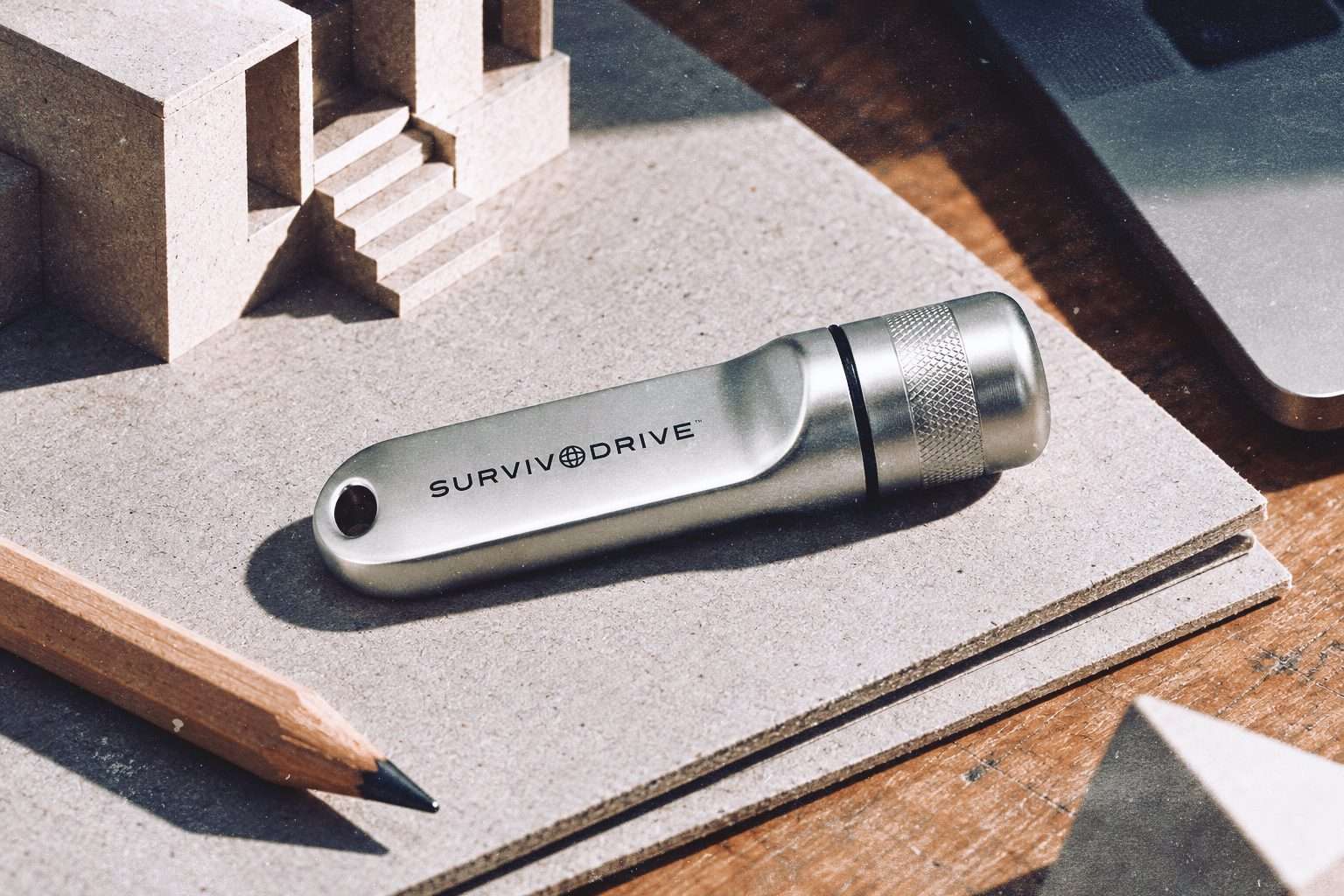
Small enough for the drawer. Big enough for Wikipedia.
See what’s on it§ 03.4
Up close
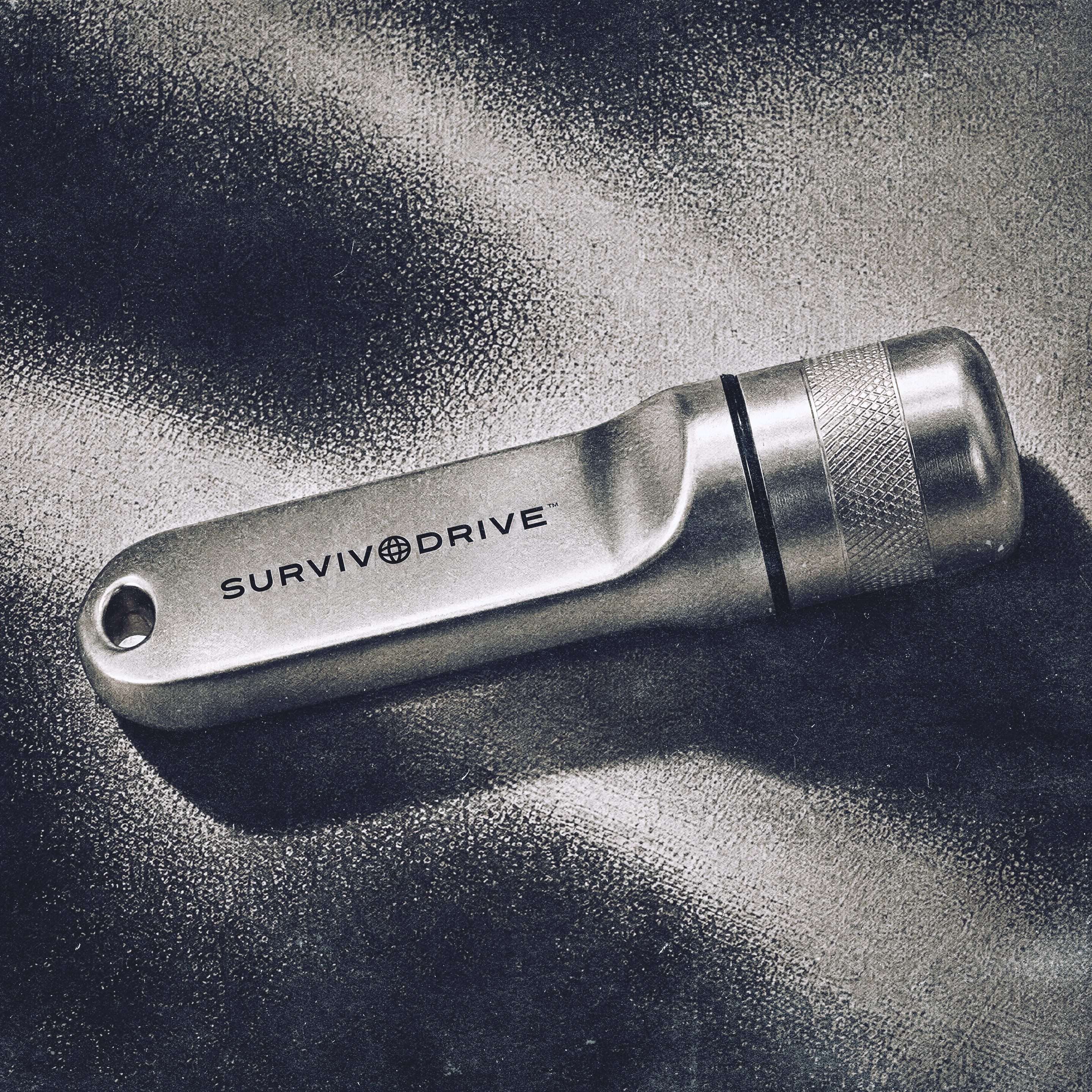
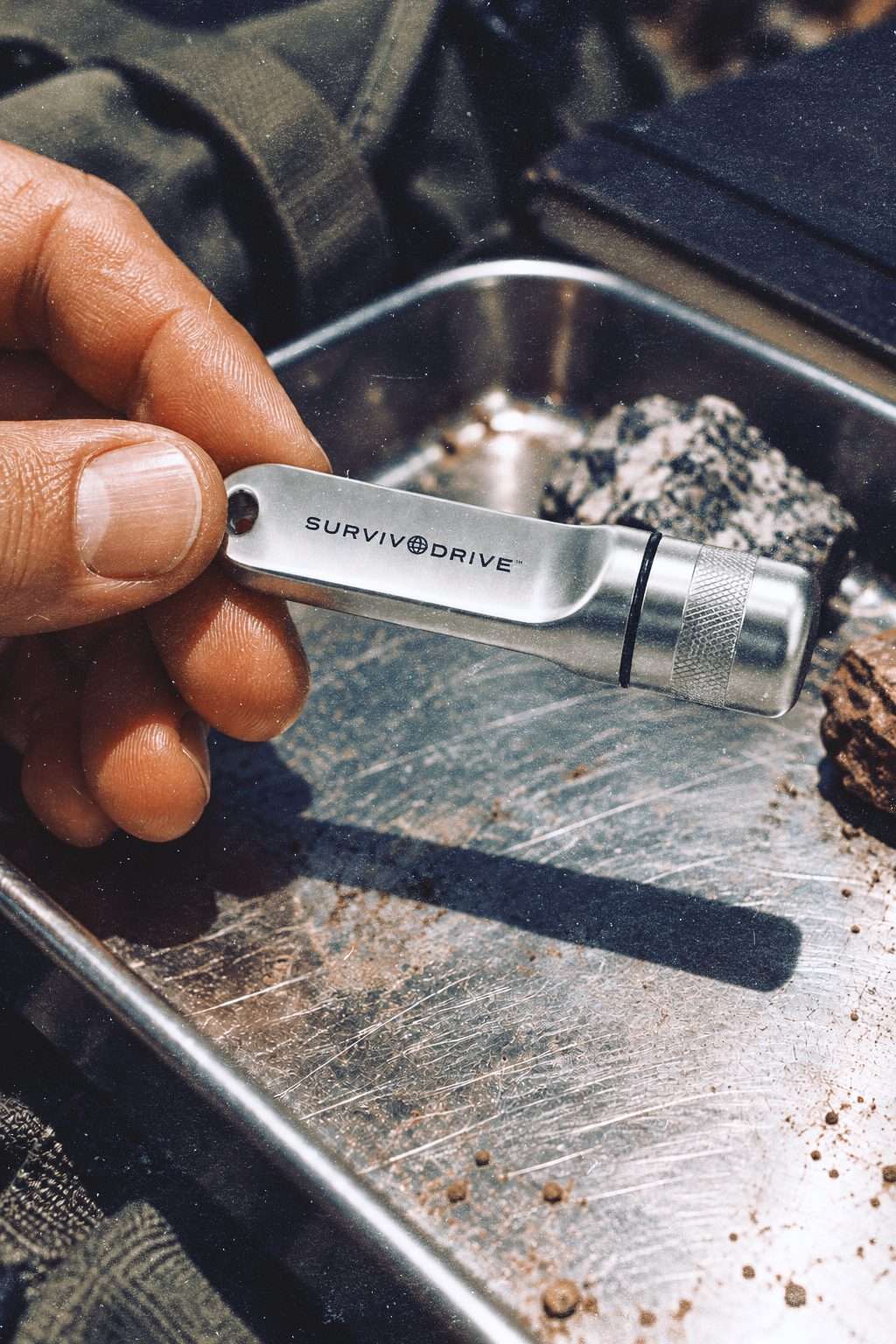
Plugs into the computer you have
Windows, Mac and Linux laptops and desktops, and the Raspberry Pi 4 or 5. Phones and tablets join over that computer’s Wi-Fi, with nothing to install.
USB 3.2
A fast drive makes the library and the assistant quicker to start. USB 3.2 drives also work in older USB 2.0 ports, through an adapter if the plug and port differ, just slower to load.
Reflashed every two years
Flash memory slowly forgets. Owners get a reminder every two years to reflash the drive online, and every file is checked against its SHA-256 checksum.
Two hundred and fifty-six gigabytes of contingency.
Etched, loaded and ready for the kitchen drawer.
£69 · tracked UK delivery included